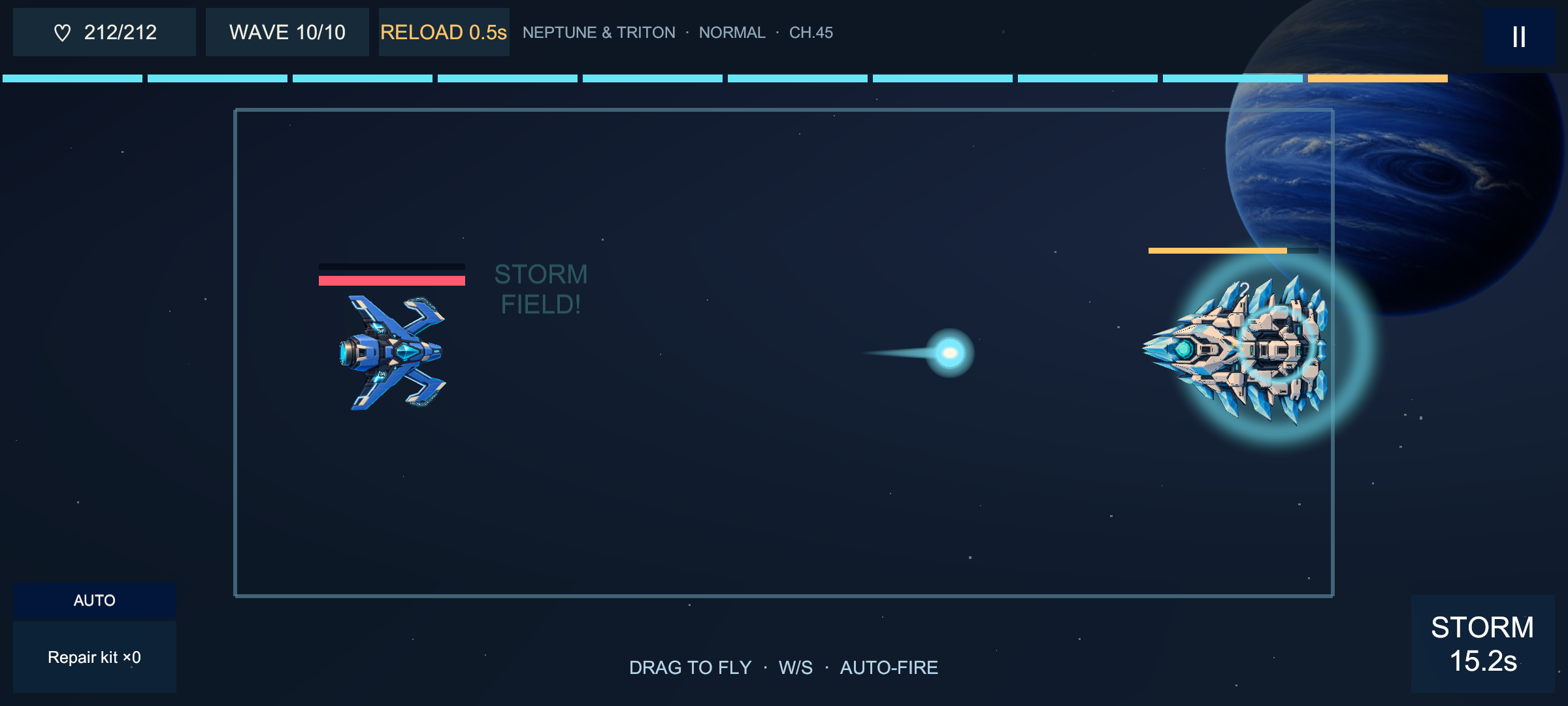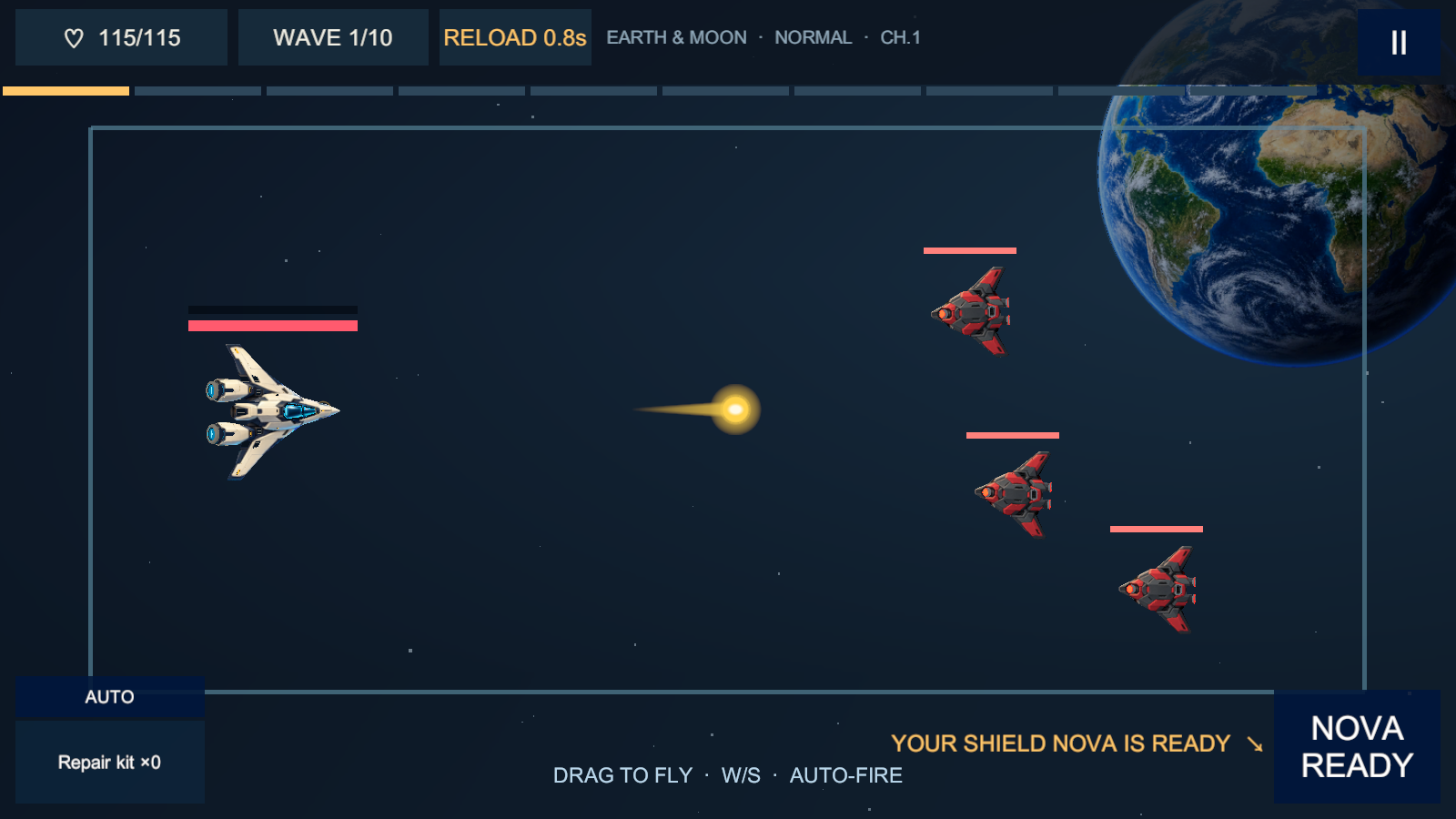
Rift Barrage combat: the Vanguard faces a sector boss

Preview 0.1.0 · Android · Windows

RIFT BARRAGE

Dodge. Auto-fire. Make every wave count.
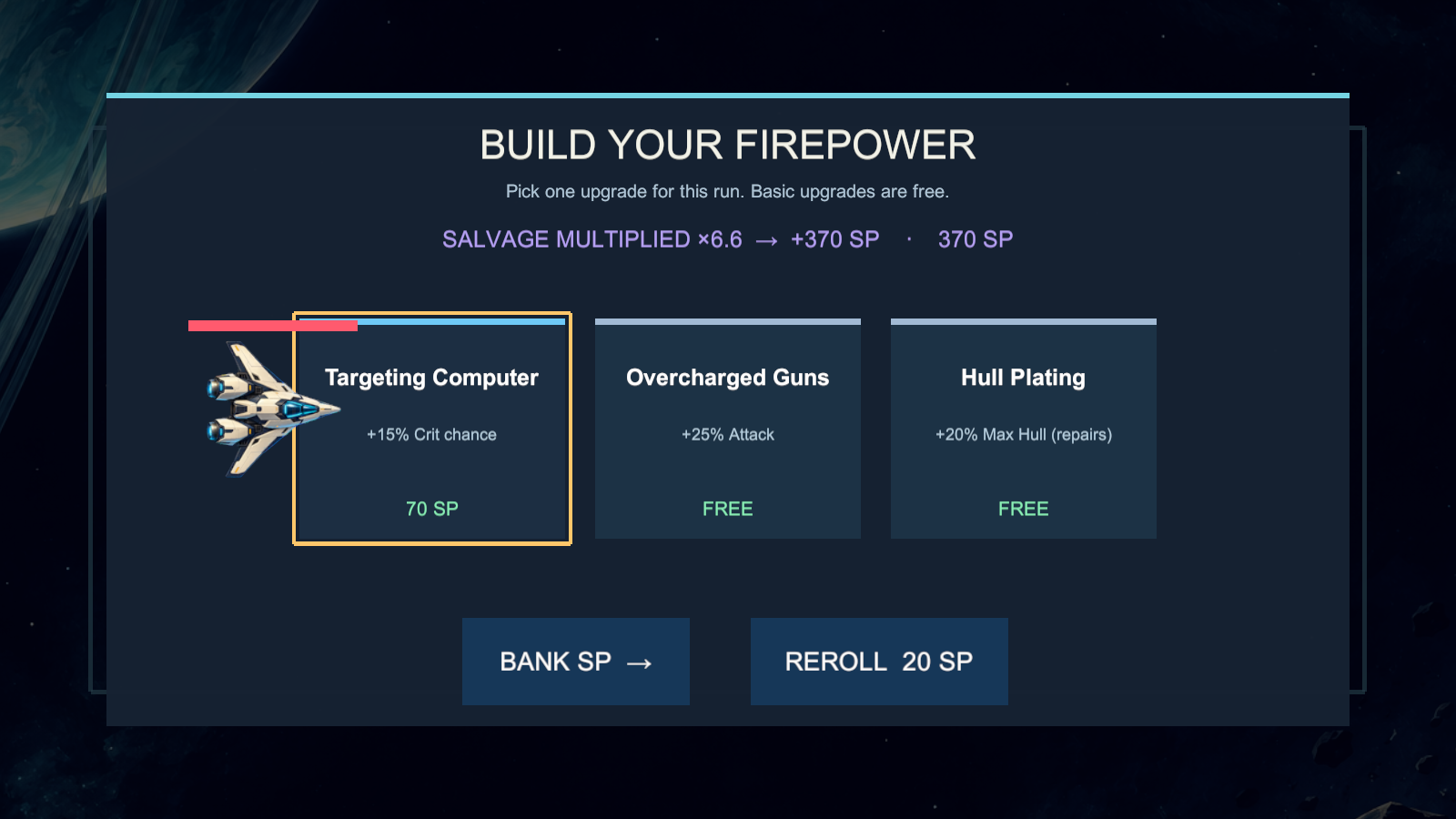
Leave Earth orbit and fight your way out through the solar system, one sector at a time. Multiply your salvage in the reactor and build a new arsenal every flight.

Android 7.1+ (64-bit ARM) · Windows 10/11 64-bit · Linux coming later · all releases & checksums

A growing fleet

Launch in the Vanguard with its Shield Nova. New ships join as you push further out, each with its own guns, sound and skill.

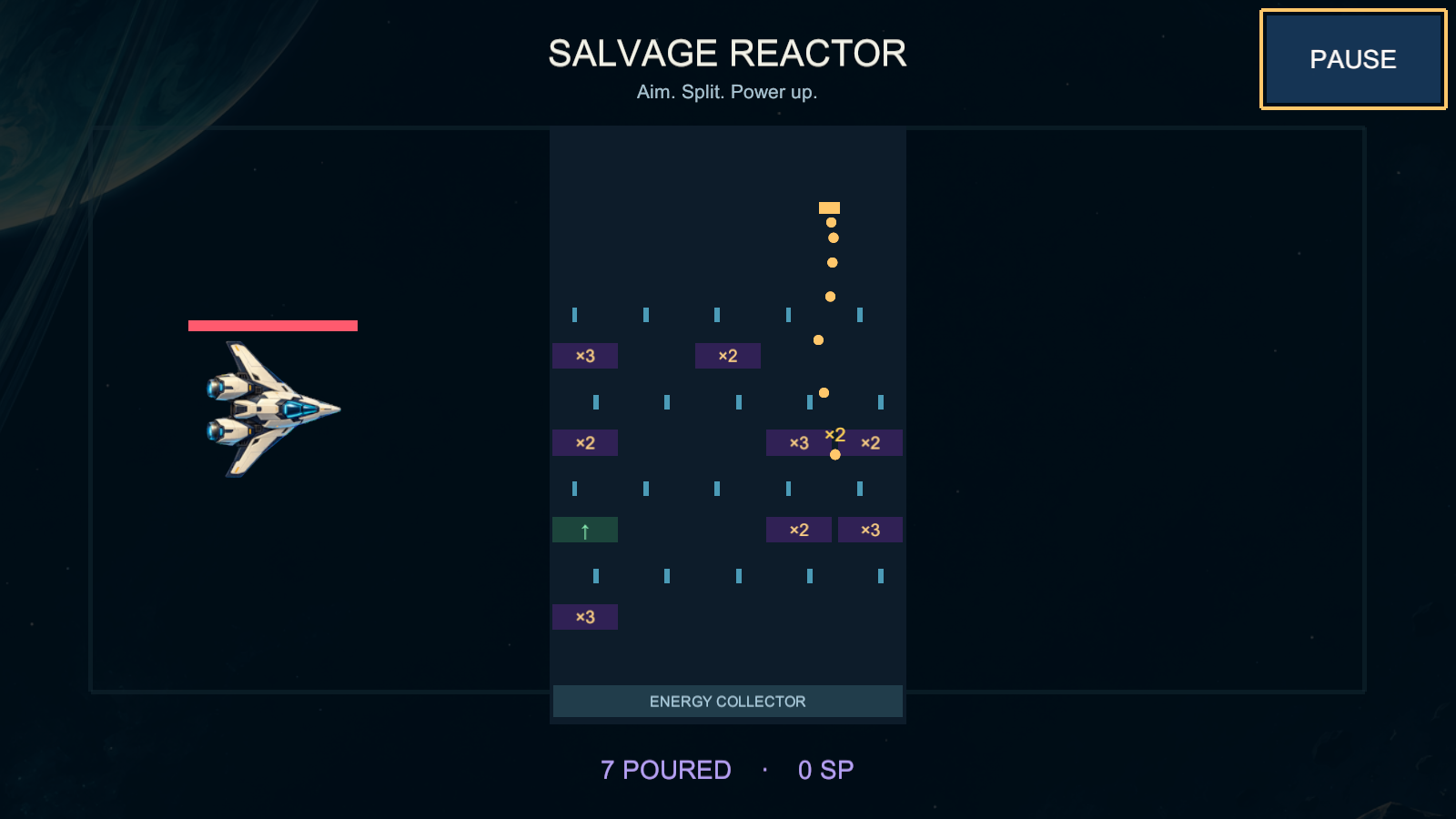
The salvage reactor

Every few waves your cores pour through a board of ×2 and ×3 gates, catapults and counter locks. Aim the spout, release, and spend the multiplied points on upgrades for the run.

The long way out

Every sector takes you further from home, with new enemies, bosses and skies. Earn stars, clear chapter missions, try the harder modes, or test yourself in the endless Infinite Mode.

Permanent progress

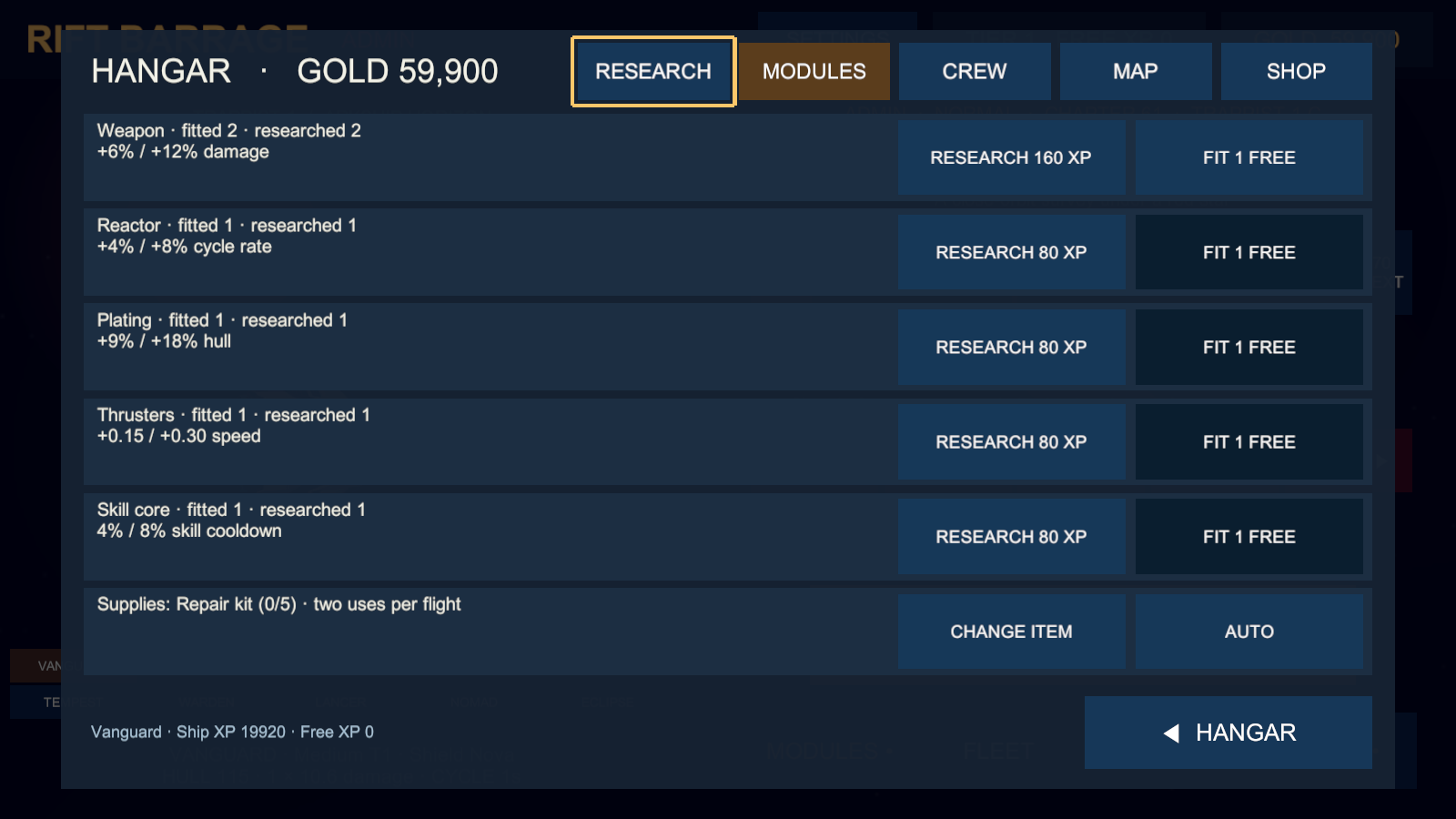
Gold upgrades, ship levels and mastery, gear you merge into higher tiers, pilots, engine trails and daily supplies that wait for you between sessions.

Screenshots

Installing the preview

Android

  1. Download RiftBarrage-android.apk on your phone.
  2. Open it and allow installing from your browser when Android asks.
  3. Play in landscape. Your progress stays on the device.

Windows

  1. Download and unzip RiftBarrage-windows-x64.zip.
  2. Run RiftBarrage.exe. Windows SmartScreen may warn about an unrecognized app; choose More info → Run anyway.
  3. Mouse drag, W/S or arrows to fly, Space for the skill, Esc to pause. Gamepads work too.

Check your download against SHA256SUMS.txt on the releases page. This is an early preview: balance will change, and later previews may not keep your progress.